
Your two-screen studio
Start a room, share the learner’s invite, and play the same world from two screens
Practitioner desk
Pick a starting game. Your invite link and QR code will be ready once the room opens.
New to the desk? Try a guided rehearsal.
Learner stage
See the selected game from the learner’s side before you share the invite.
The learner opens your invite and joins from their own device.
Join with a room code
Ready to play?
Your invite code is ready, so pick a buddy and join
Use the room code your grown-up gave you
Use a different room code Back to studio setupUse sample names in this demonstration. Rooms are temporary.

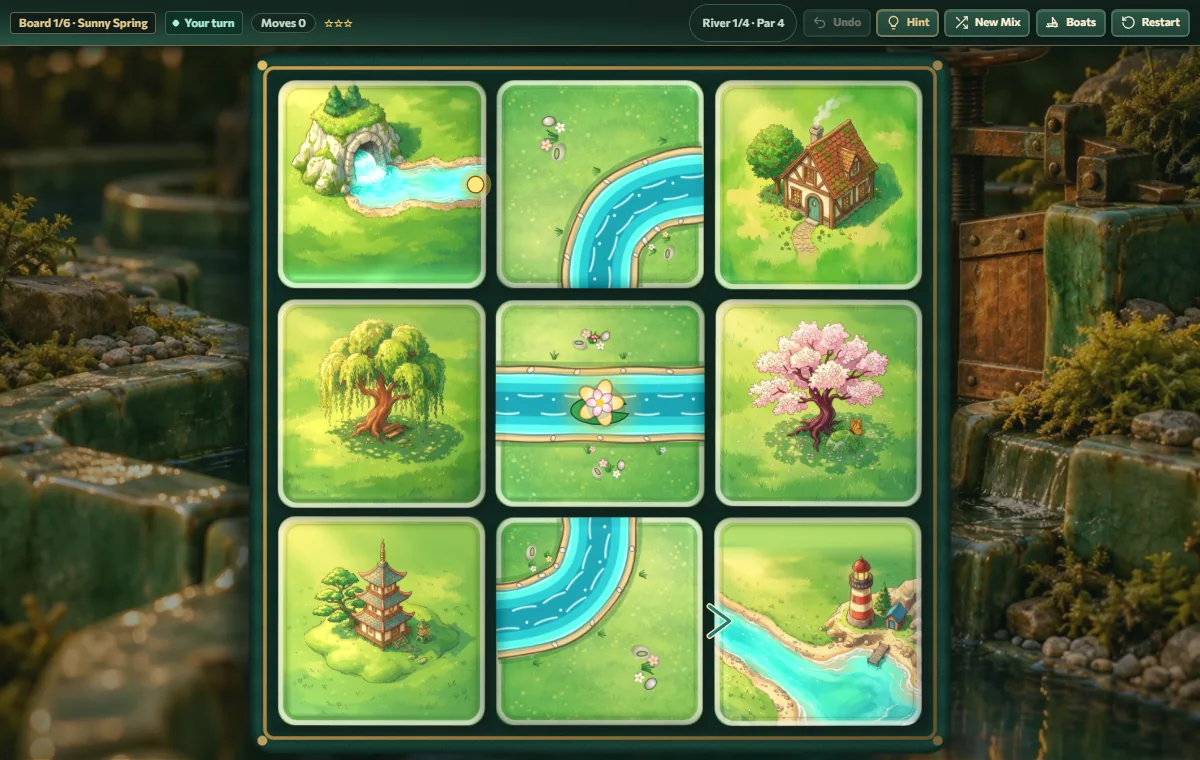
Turn three tiles to join the mountain spring to the lighthouse bay.

Follow Lumi’s score and ring the chimes in order.

Plate each item from the oak pantry shelf onto mats 1 and 2, then ring the brass bell.
Fernway Post
Canopy Post Route · Creek to canopy


How to play
Choose your courier, then roll along the numbered stones to reach space 20. Finish a delivery to unlock the next scenic mail route.
- Climb ladders for a shortcut up.
- Ride curved slides for a playful detour.
- Catch tailwind gusts to glide ahead.
- Land on lucky clovers for a bonus roll.
- Collect route stamps along the way.
Pairs
At the seasideSet up Pairs
You found every pair
Choose a card to begin.
How to play
Turn a card, say its name, then look for its twin. Each match earns a star. Find every pair to reveal the stage postcard. Your practitioner can then share something to say or do before dealing again.
Tide Race
Sail home before low tide
How to play
- Share one boat. Reach buoy 12 before the tide runs out.
- Row moves one buoy. Sail can carry you two or three, but a squall keeps you in place.
- Each turn uses one of your eleven tide marks. A squall uses two.
- Land exactly on a lantern buoy to collect its light on your way home.
Picture Hunt
Find treasures in six illustrated worlds
How to play
- Look at the treasure picture and its name. Where can you find it in the scene?
- Tap it in the scene to check it off. You can find the treasures on your list in any order.
- Use Zoom for a closer look. Under Go to, choose a corner or Whole picture. Choose Picture, Outline or Word from Clue style beside the checklist.
- Choose Previous picture or Next picture to start a fresh checklist in that scene. You can change pictures before finding every treasure.