Guide the play

Two-screen games for therapy, teaching and play at home, with the controls at your desk so you can pause for a question, model a skill or return to the lesson

Explore the worldThe Tile River

They play on their screen
while you guide from yours

Try Pause play at the practitioner desk. The learner’s board holds its place while you talk, then picks up from the same move.

Learner stage

The Tile River

Practitioner desk

Private

Before they join

Choose an activity, build a lesson plan and check your setup before opening a room.

Find your next game

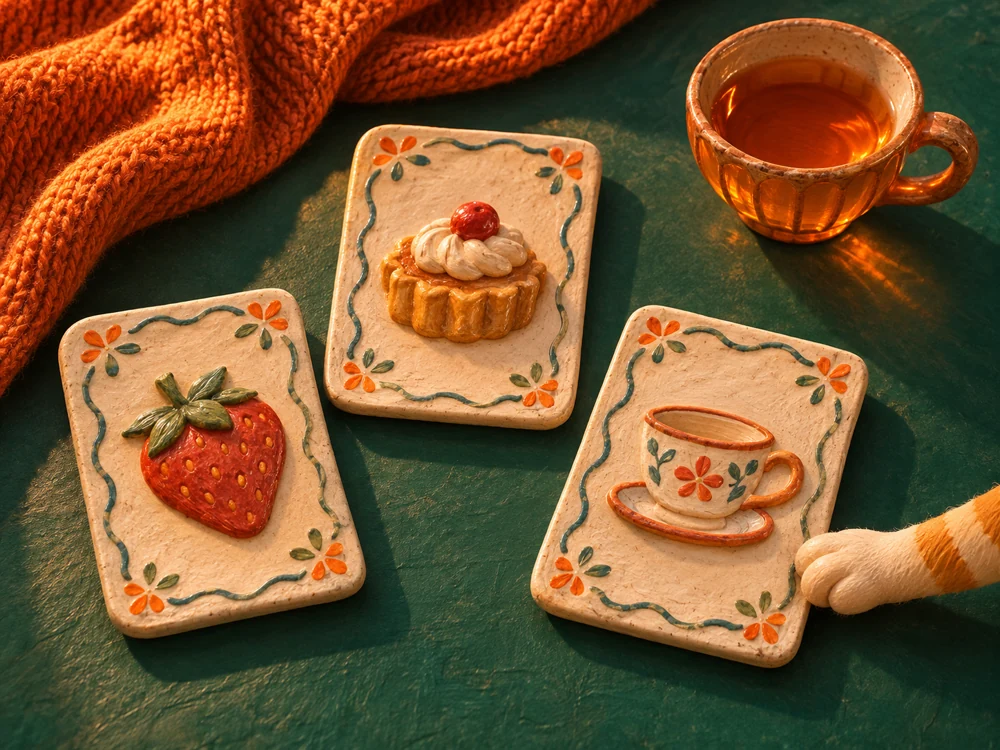
Three handmade picture cards beside a cup of tea on a green table.

Keep playing at home

Try a sample with your child or open a mission from your practitioner. Families can open an invited mission without an account.

Before your first session

Who is it for?

Paediatric clinicians, teachers, parents and carers can guide play. The adult leading the activity uses the practitioner workspace. The learner joins on their own screen. Practitioner guide.

Can I use it with my usual video call?

Yes. Keep Zoom, Teams, Google Meet, Coviu or your usual call open and share a BackstageTP room link or code. The learner plays in their own browser while you guide from your desk. Read the FAQ.

What can I try today?

Try a sample game and the sample desk for free. Hosting is available by invitation. Learners can join a hosted room at no cost. Explore plans.
Step backstage

Explore workspace plans and ask about early access for your practice, classroom, team or family.

Guide the play from backstage

Share a game with the learner while you privately manage cues and pacing

The learner’s stage

Start at The Tile River

Choose the game around the goal you’re working on. Keep your usual video call open and invite the learner into the play room with a link or code.

Bring the learner back to you

Pause the learner’s game mid-turn while you demonstrate or talk through an idea. Use Eyes Up to show a listening prompt on their screen, then resume where they left off. Use Stop & Save when play is finished.

Capture how they got there

Record whether the learner placed the tile independently or with a cue. The next trial starts with the game still in view.

Try the homepage walkthrough

Try both sides of the session

The free preview lets you send a cue and see both views in one browser. Use the practitioner workspace when you’re ready to host a live session.

Try the free preview Explore plans
See the story for schools and teams

Give learners a reason to talk

Explore guided play for teachers, educators and clinical teams

The educator’s blueprint

Start with a secret scene

Pick Story Stage for a turn-taking or listening activity. In Barrier Mode, the adult has a blueprint and the learner starts with the stage and props.

Ask where the star goes

The learner listens, asks a question, and places a prop. The adult can change the clues or pace to suit the lesson, from a single direction to a sequence.

Compare the two scenes

Use the preview to see both roles before bringing it into your setting. The current studio uses temporary rooms. School and team accounts are in development.

Explore it with your team

Try the activity with a colleague, or contact BackstageTP to discuss how it could fit your setting.

Request a team walkthrough Guide for schools and teams Visit the Trust Centre
See how play carries over at home

Bring a little play home

Keep practising together with a short mission and a few picture cards

A game to open together

Pick up where you left off

Open a mission with a code from your practitioner or start with a sample. The activity is short enough to try when you have a few minutes together.

First the croissant, then the tea

Take turns choosing a picture and saying what comes next. A simple prompt gives the grown-up something to try while the child follows the game.

Keep playing at the table

Choose two things at snack time and practise putting them in order. Start with a game your child knows and let them choose what comes next.

From the café to your table

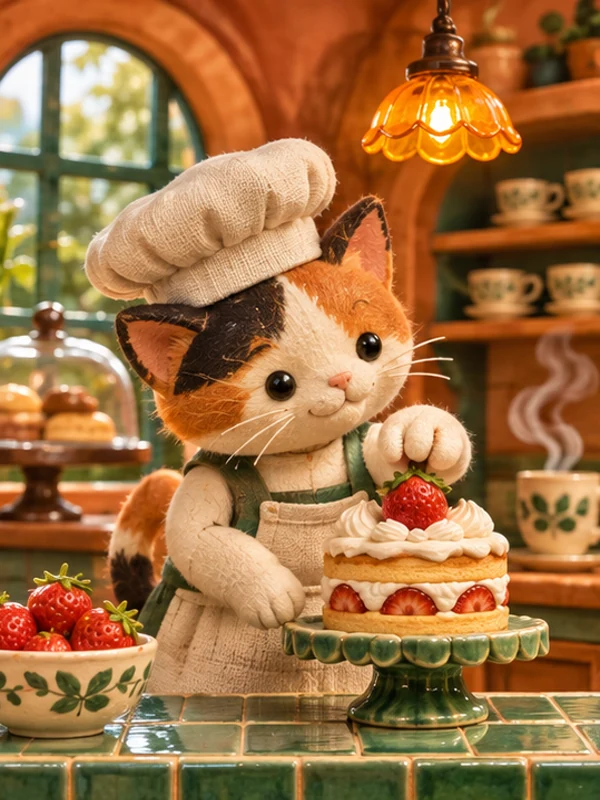
In this silent film, Chef Mochi adds a strawberry to a pastry. The café’s tea tray dissolves into the picture cards for a home mission.

Try a home mission

Make time for one small game

Open the illustrated sample together, or use the code your practitioner gave you.

Try a home mission Read the family guide
Explore the whole platform